

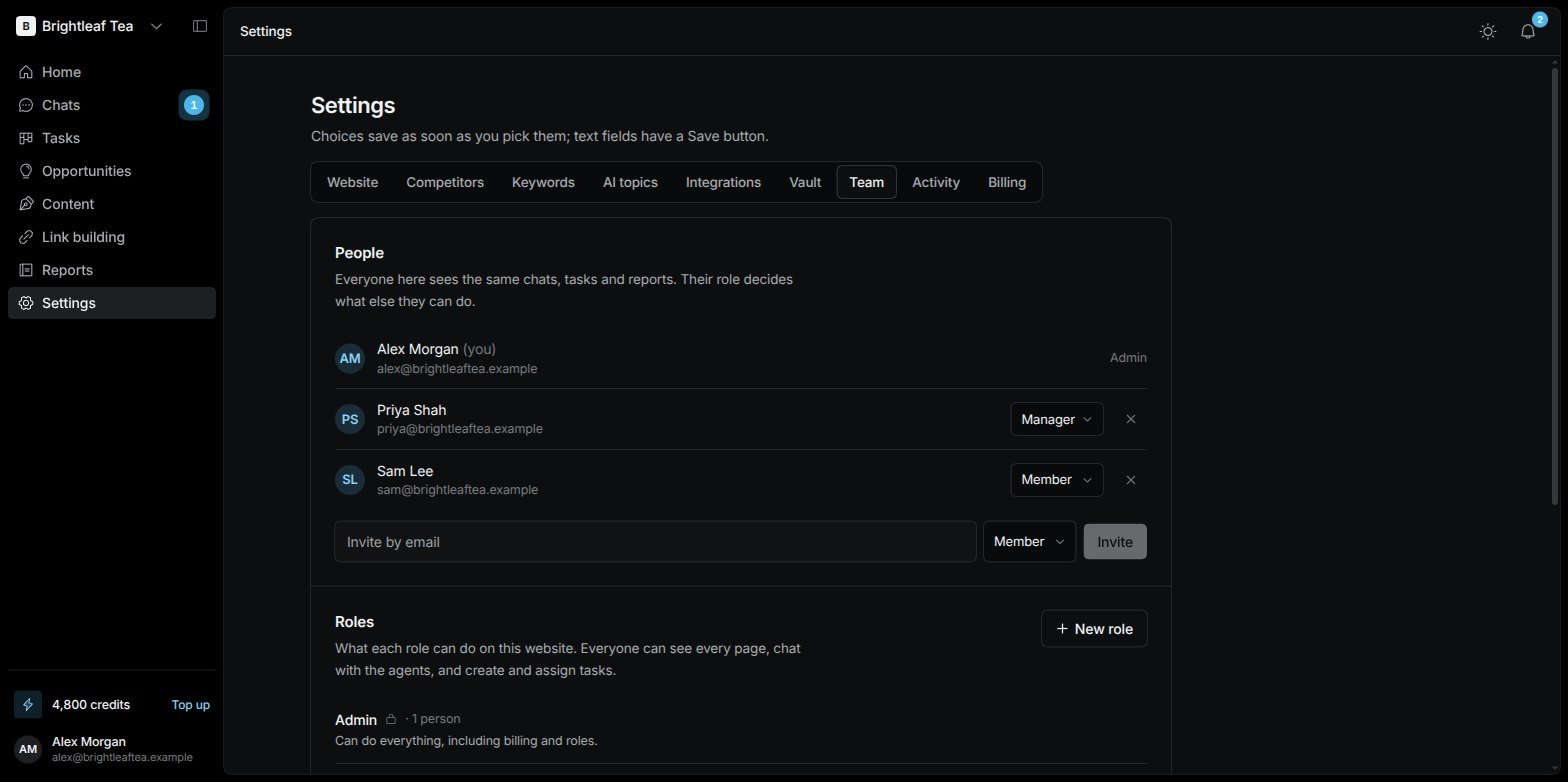
Settings › Team: people with their roles, and the AI agents
Invite someone
1
Type their email
Under People, type their email in Invite by email.
2
Choose a role
Pick the role they’ll have. It starts as Member.
3
Send
Choose Invite. They get an email with a link to join; until they do, they show as Invited, hasn’t joined yet. Cancel invite withdraws it.
Roles
Every website has three roles, and you can add your own.
New role creates your own: give it a Role name and tick what it may do. Change or Delete your own roles any time.
The permissions
Anyone can assign any task to anyone.
Roles in the chat
The agents know who’s asking and what their role allows. If someone asks for something their role can’t do — save a login, connect an account, track a keyword, approve a change — the agent says so and names who can. A keyword they ask for becomes a suggestion instead. See Your SEO Manager.AI agents
The AI agents section lists your website’s agents. They work alongside your team; there’s nothing to set up. See Agents.Activity
Settings › Activity shows everything people and agents have done on the website — who did it, what changed, and when. Edits show the fields that changed, before → after. Show older loads more. It needs the See the activity log permission.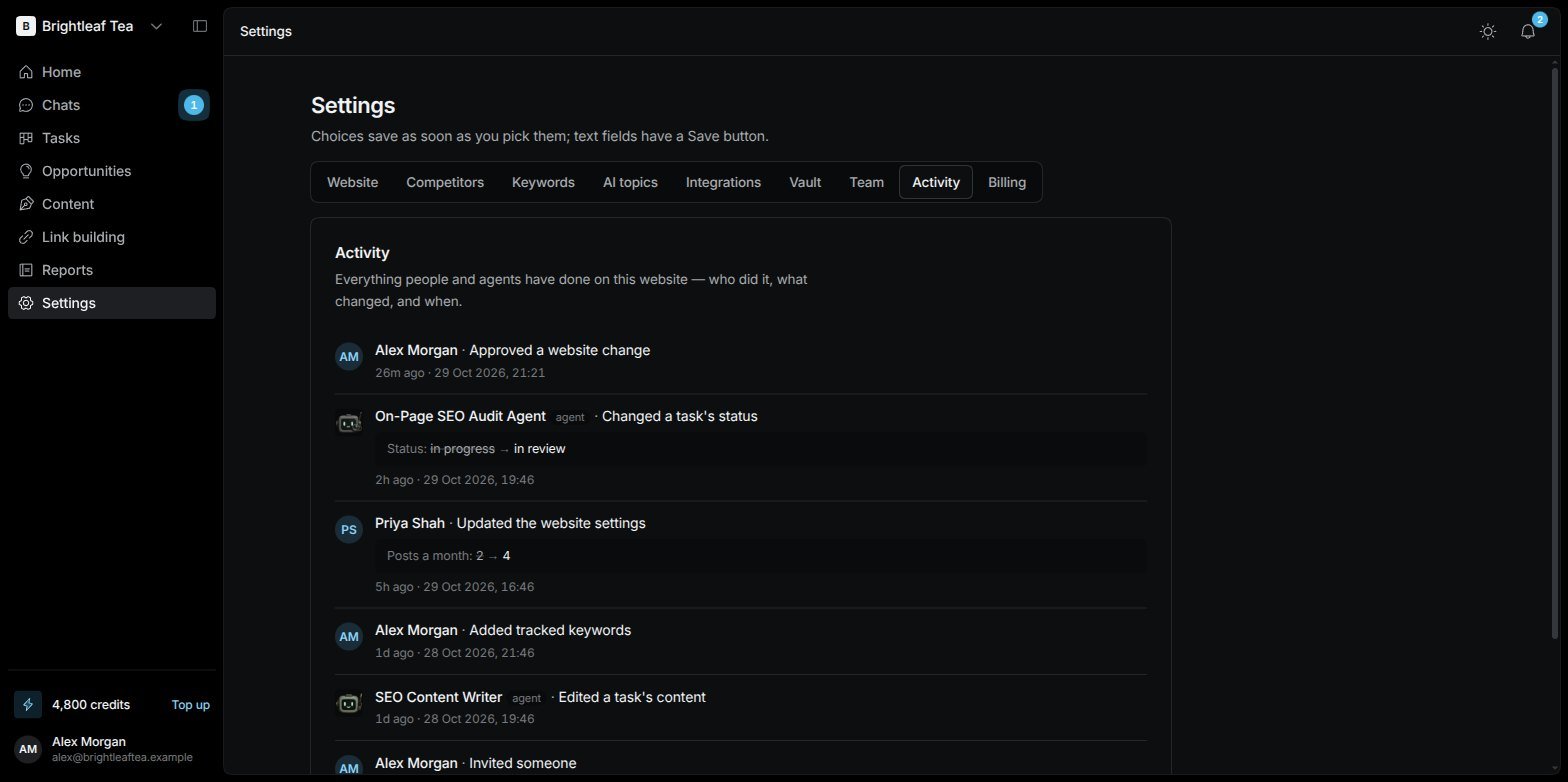
Settings › Activity: who did what, and when