

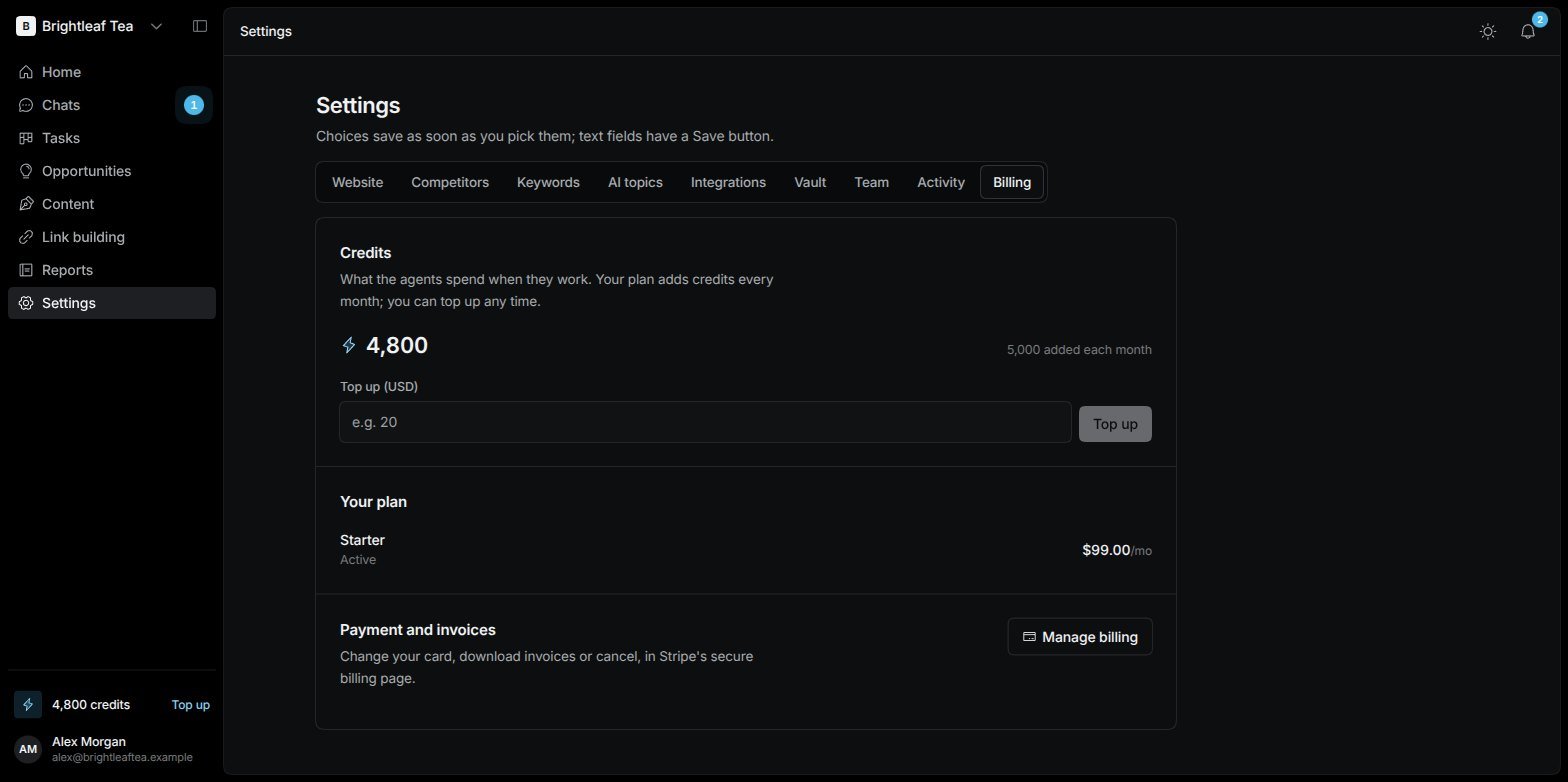
Settings › Billing: your Credits, your plan, and payment
The free trial
A new website starts in a preview. You can look around every screen, but the agents don’t work and reports show sample numbers until you start.1
Start the trial
Choose Start my free trial wherever it’s offered — on a locked screen, or Start free trial in Settings › Billing.
2
Add a card
Secure checkout checks your card with a small charge that comes straight back to you as Credits, and adds free Credits for the trial.
3
Your agents start
Your SEO Manager introduces itself, and the agents get to work.
Credits
Credits pay for what the agents use when they work — the AI that thinks and writes, and paid SEO data such as keyword rank checks, keyword metrics and AI visibility checks.- Your plan adds Credits at the start of every month. The balance is shown in Settings › Billing and at the bottom of the sidebar.
- Top up any time: enter an amount in Top up (USD) and pay. Every dollar buys 100 Credits.
- Credits from your plan don’t carry over to the next month; Credits you top up don’t expire.