

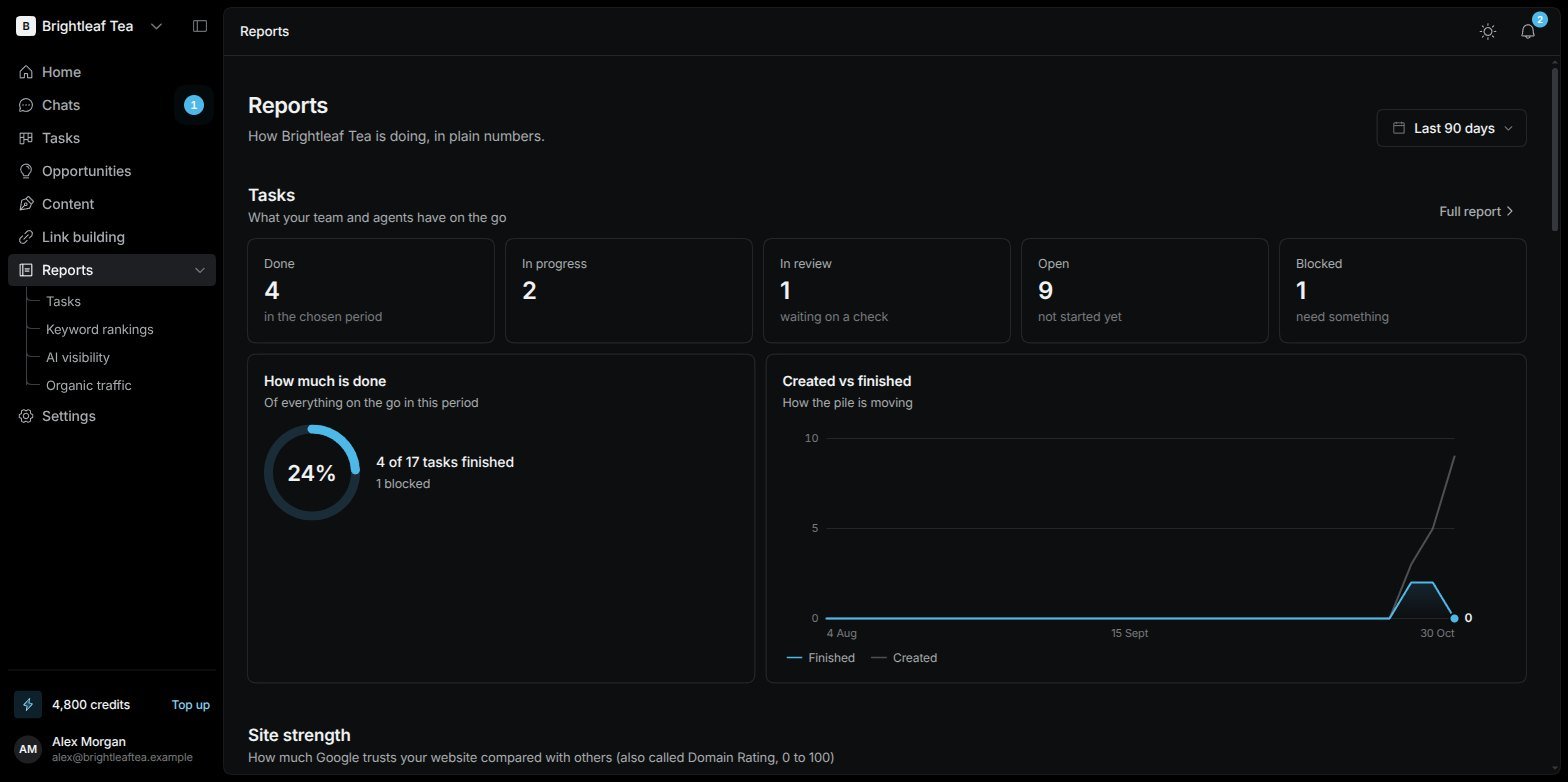
The Reports overview: tasks, site strength, rankings, AI visibility and traffic on one page
Pick a period
The date picker at the top right sets the period for every report: Last 7 days, Last 30 days, Last 90 days, Last year, Previous month, or your own dates.The overview
Each section links to its full report.
The Tasks report
Reports › Tasks shows what got done in the period:- How much is done — tasks finished, in progress and unassigned, and the typical time to finish.
- Finished vs added, each week — are you clearing work faster than it comes in?
- Where tasks stand — every task, by its current status.
- Who hands work to whom — how work moves between the SEO Manager, the specialists and your team.
- Tasks per contributor — who did what, and the top performer.