
Documentation Index

Fetch the complete documentation index at: https://docs.visibility.so/llms.txt

Use this file to discover all available pages before exploring further.

Visibility.so provides a comprehensive suite of SEO intelligence tools that go beyond traditional search engine tracking.

AI Visibility

Track how AI models mention, recommend, and describe your brand. This is one of the defining features of Visibility.so.

How It Works

AI Visibility checks query major AI models with your configured topics and measure how prominently your brand appears in the responses.

Supported AI Models

ProviderDescription
ChatGPTOpenAI’s conversational AI
ClaudeAnthropic’s AI assistant
GeminiGoogle’s AI model
PerplexityAI-powered search engine

Configuration

Set up AI Visibility tracking in your project’s Configuration tab:
  • Topics: The subjects and queries where you want to be mentioned
  • Brands: Your brand names and variations to detect
  • Domains: Your website domains to identify in citations
  • Competitors: Competitor brands and domains to benchmark against

Automated Checks

Schedule AI Visibility checks to run automatically. Each check queries the configured AI providers with your topics and produces a visibility report.
AI Visibility checks are metered based on the number of providers queried. Detailed billing will be introduced with our future pricing model.

Visibility Scores

Results are expressed as a score from 0 to 100%, reflecting how visible your brand is in AI responses for a given topic:
  • 0%: Not mentioned at all
  • 1-25%: Minimal presence
  • 26-50%: Moderate presence
  • 51-75%: Strong presence
  • 76-100%: Dominant presence
Scores are tracked over time so you can see trends and measure the impact of your SEO efforts on AI-generated answers.

Keyword Rankings

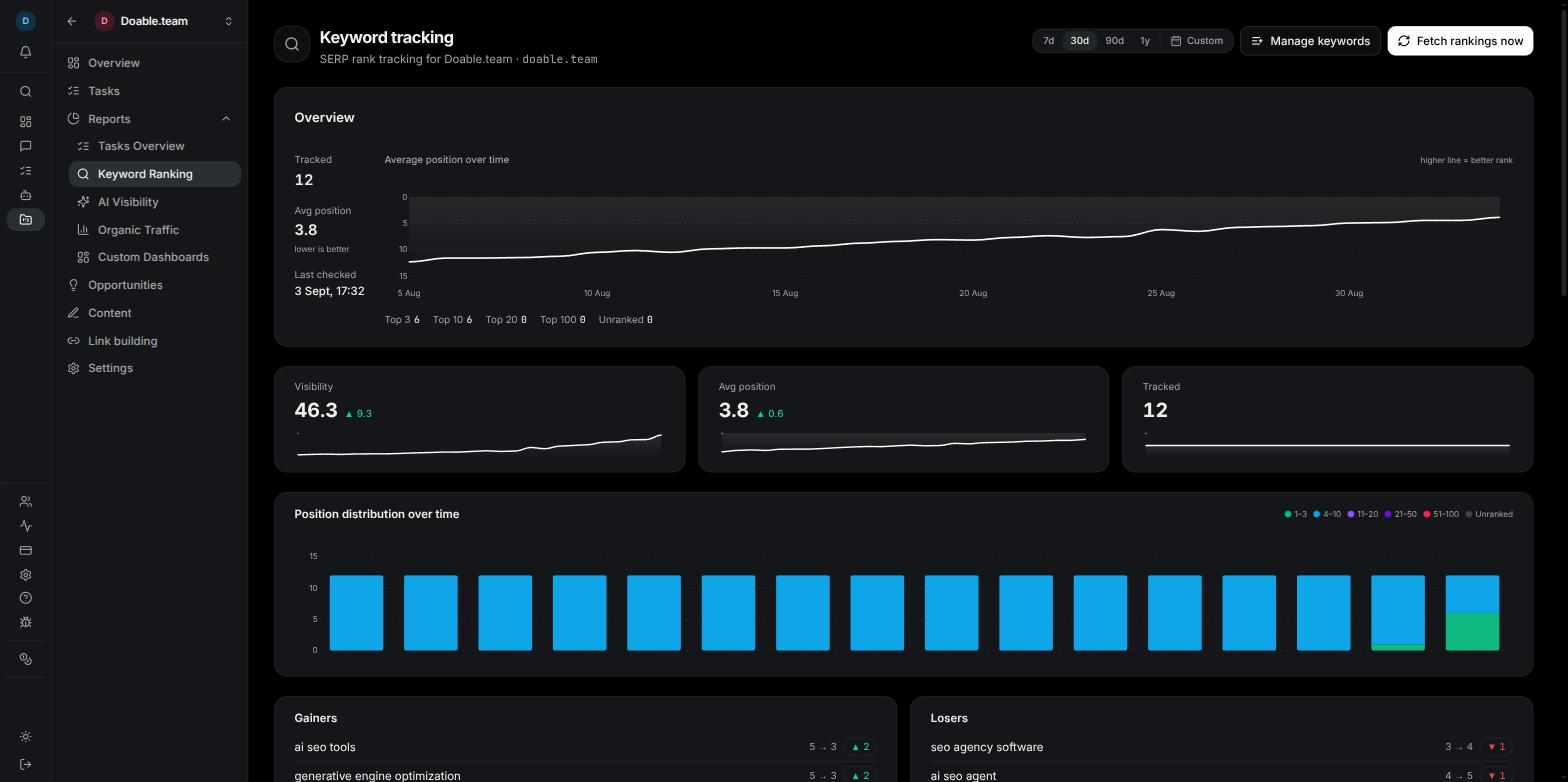
Track your search engine keyword positions using the DataForSEO integration.

Features

  • Position tracking: Monitor where your pages rank for target keywords
  • Historical trends: See how rankings change over time with visual charts
  • Competitor comparison: Compare your keyword positions against competitor domains
  • Location and language support: Track rankings for specific geographic regions and languages

Setup

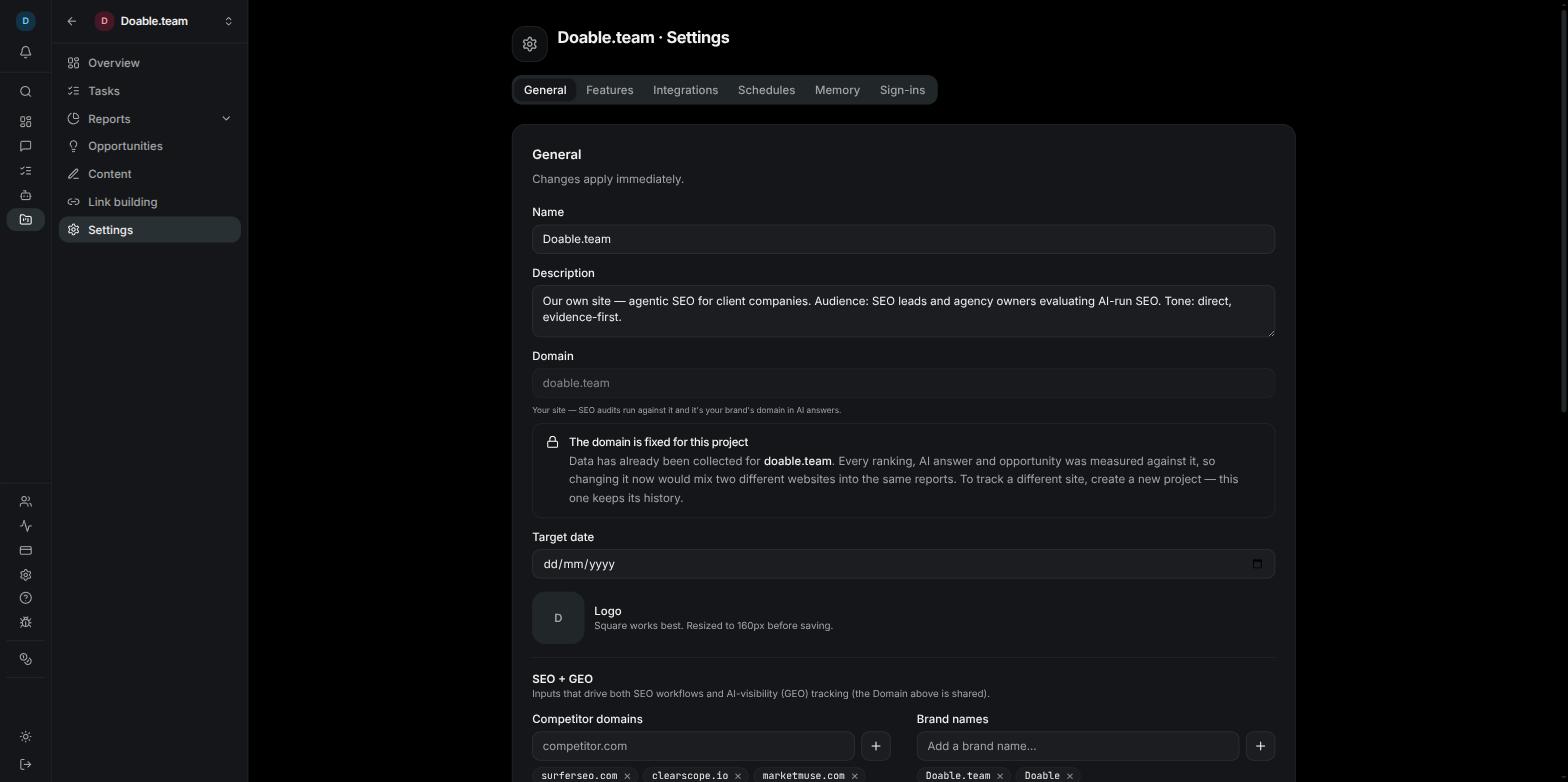
Keywords are configured at the project level. Add your target keywords in the project Configuration tab. Ranking data is pulled automatically based on your schedule.
Keyword ranking pulls are performed via our managed service or your own BYOK keys. Use BYOK to manage your API usage directly with DataForSEO.

Organic Traffic

Connect Google Analytics 4 to pull organic traffic data directly into Visibility.so.

Landing Page Reports

See which pages drive the most organic traffic, with metrics including:
  • Sessions and users
  • Bounce rate
  • Average session duration
  • Conversions (if configured in GA4)

Traffic Sources

Break down traffic by source to understand which channels are driving visitors:
  • Organic search
  • Direct
  • Referral
  • Social

Session Metrics

Track key session metrics over time to measure the overall health of your organic presence.

Setup

1

Go to Project Configuration

Open the Configuration tab in your project.
2

Connect Google Analytics

Click the Google Analytics integration and authenticate with your Google account.
3

Select Your Property

Choose the GA4 property that corresponds to your project domain.
4

Data Starts Flowing

Organic traffic data will appear in your project dashboard within a few hours.

Content Opportunities

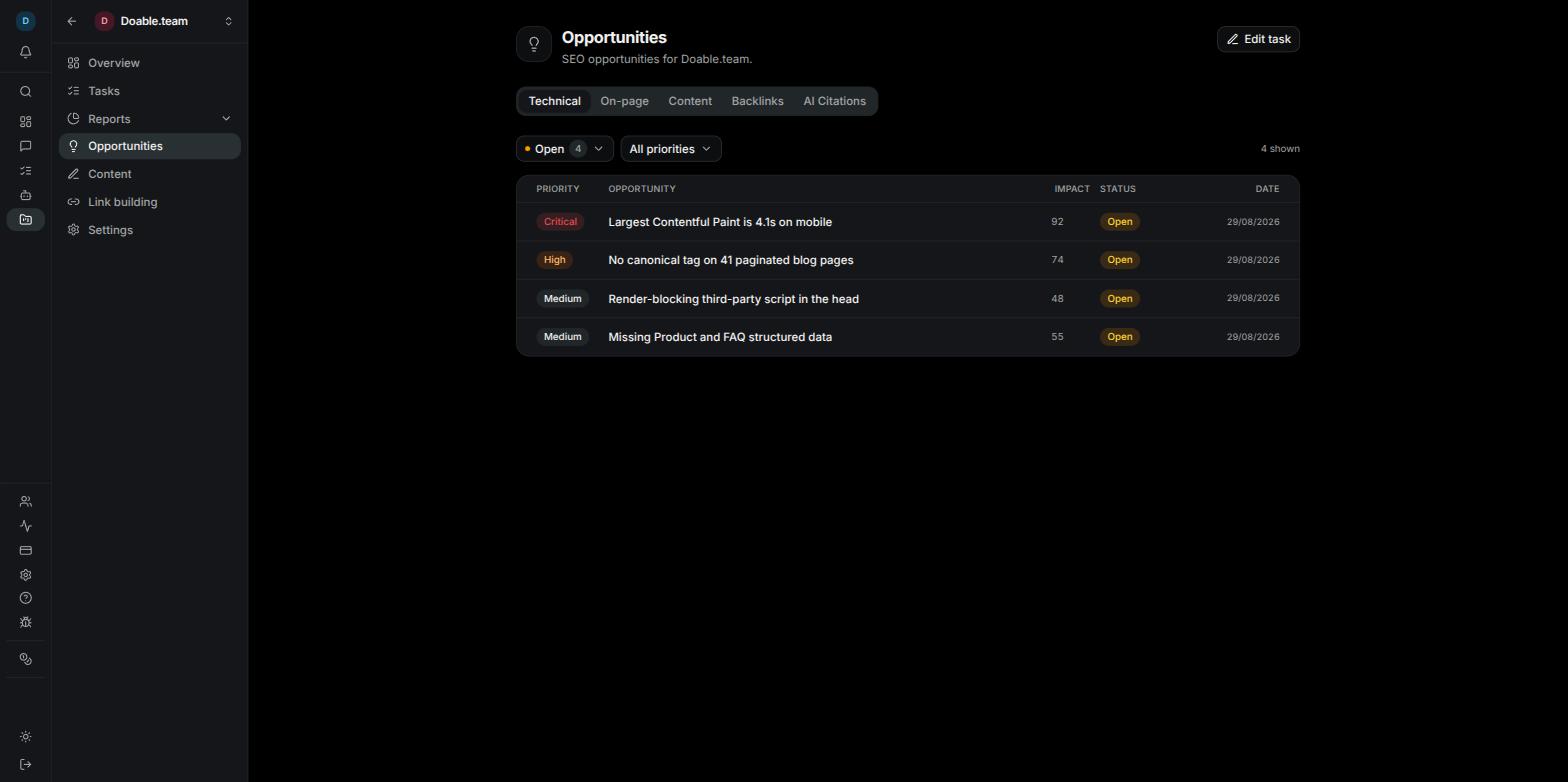
The Content Gap sub-tab on a project’s Opportunities page surfaces real search queries — pulled from your Google Search Console — and ranks them by how likely a focused content piece is to win the click. Use it to find topics where Google already shows you to users but no page is converting that demand into traffic.

Where the data comes from

Once you connect Google Search Console (one-time, from Project → Configuration → Integrations) and pick a verified site, you can pull your last 28 days of search queries with the Fetch now button at the top of the Content Gap tab. Each refresh reads the queries dimension plus, for the most promising ones, the page that’s currently surfacing. You don’t need to add keywords by hand — the data is whatever Google is already showing you.

How queries get scored

Every query that survives the filters gets a Win Score from 0 to 100. The score combines four signals:
SignalWhat it captures
DemandWhether the query gets enough impressions to be worth chasing
PositionHow close you are to the front page — striking-distance positions score highest, top-3 positions score low (already winning), and very far back positions score low (not realistic)
CTR gapWhether the click-through rate is worse than typical for that position — a big gap means the current SERP presence is weak and a focused page can take its share
IntentWhether the query has a clear content format (how-to, comparison, listicle, definition, troubleshooting, etc.)
Final scores are bucketed into four tiers shown next to each row:
TierMeaning
🔥 Quick WinHigh score across all four signals — write this week
StrongA clear opportunity with one weak signal — next sprint
💡 ConsiderWorth thinking about — backlog
Low priorityHidden by default; toggle to see
The list is sorted by Win Score by default. You can sort by impressions, position, or CTR instead, and filter by tier, intent, or action type.
The exact formula weights, intent classifier, and brand-exclusion logic are continually tuned and aren’t documented in detail — the inputs (impressions, position, CTR, intent tag) are stored alongside the score so you can always see why a row is rated the way it is.

”New content” vs “Optimize existing”

For the highest-scoring queries, Visibility does a second pass to find the page on your site currently ranking for that query. If a page from your domain is already surfacing, the row gets tagged Optimize existing — adding a fresh post would compete with yourself; it’s better to improve the existing page. Otherwise it’s tagged New content. You can filter by either tag.

Brand exclusion

Branded queries (people searching for your company name) are filtered out automatically — they’re already converting, so they aren’t content opportunities. Visibility derives the brand list from your connected site URL on first connect; you can edit it later.

Why some queries are missing

Three filters are applied before scoring:
  1. Volume floor — queries with too few impressions are skipped
  2. Brand match — branded queries are excluded
  3. Intent classifier — queries that don’t look like a content opportunity (vague single-words, navigational lookups) are dropped
You’ll see a small summary on each manual sync showing how many were filtered out at each step.

Acting on an opportunity

Each row in the list has a ⋯ menu with two actions:
  • Convert to content task — creates a task in your Content module, pre-filled with the query, the suggested format, the why-line, and the current performance stats. The task lands in Project → Content → Tasks ready to be picked up.
  • Dismiss — hides the row across future syncs so it stops cluttering the list. You can show dismissed rows again from the toggle at the top.
Converting to a content task requires the Content module to be enabled on the project (Configuration → Features → Content). If it’s off, the action returns an error pointing you at the toggle.

Refresh cadence

For now, syncs are triggered manually via the Fetch now button at the top of the Content Gap tab. Recurring schedules (similar to the keyword and organic-traffic schedules) are on the way — see the changelog for updates. GSC data has a 2–3 day reporting lag from Google’s side; the most recent days won’t appear until they finalise.

Schedules

Automate SEO checks with cron-based scheduling.

What Can Be Scheduled

  • AI Visibility checks
  • Keyword ranking pulls
  • Automated reports

How Scheduling Works

Set a cron schedule for each check type. Schedules support standard cron expressions, or you can use preset intervals:
PresetFrequency
DailyOnce per day
WeeklyOnce per week
Bi-weeklyEvery two weeks
MonthlyOnce per month
Start with weekly checks and adjust based on how actively you’re optimizing. More frequent checks provide higher resolution data for tracking trends.

Viewing Results

Scheduled check results appear in your project dashboard and are available in the SEO reports section. Historical data is retained so you can track trends over any time period.